
Reduce mainframe costs while protecting performance
Strike the balance: lower mainframe software costs without sacrificing service quality.

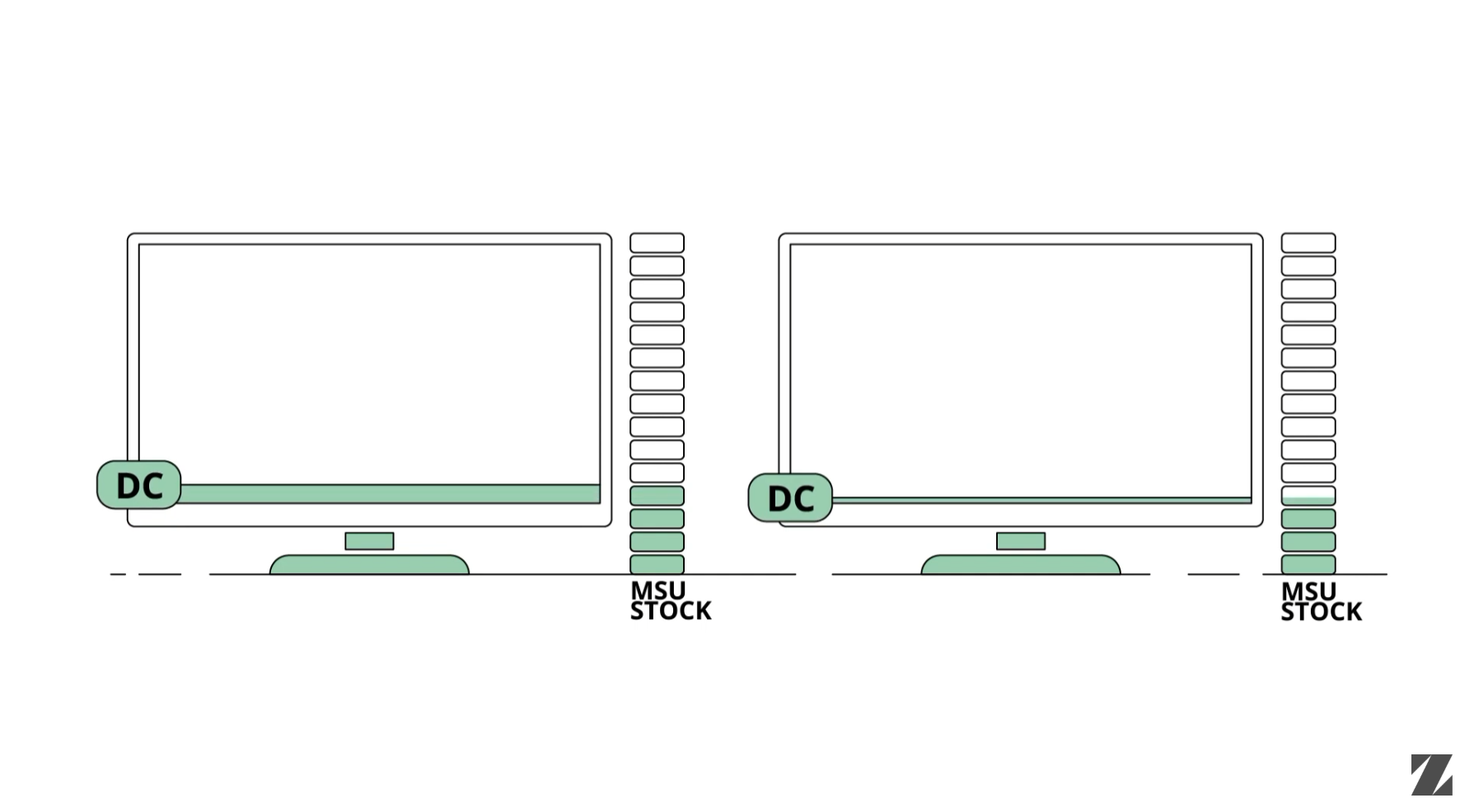
Zetaly Automated Capacity (ZAC) is a FinOps (Financial Operations) software solution that optimizes mainframe capacity usage to lower IBM software costs under Advanced Workload License Charges (AWLC). Following the management rules you define, ZAC allocates resources in real time based on each logical partition's (LPAR) activity and your billing objectives, smoothing the peaks that drive your monthly bill. The result is better performance and lower cost, because resources go where they are needed.
More than 30 organizations already rely on ZAC to manage their production and their mainframe costs.
5–20%
cost reduction, without compromising service quality.
5–15%
performance increase, depending on your cost-reduction objectives.
What ZAC weighs when it decides
ZAC's decision algorithm takes several factors into account:
Your current activity and resource requirements.
Your service-level expectations.
Your production profiles.
Your production structure and workload priorities, as defined in the Workload Manager (WLM).
Your pricing-model configuration.
The unpredictable nature of your workloads.
How much could ZAC save you?
Not sure how much you could save on your mainframe software costs? The ZAC Simulator gives you a personalized report of the savings and efficiencies ZAC could deliver for your environment, in a few steps.
ZAC in action
See how ZAC manages LPAR-defined capacity in real time: monitoring MSU consumption, adjusting limits, and preventing billing peaks with no performance impact on your production workloads.
Protect your critical workloads from capping
ZAC protects your critical logical partitions (LPARs) from capping while it keeps costs under control. It uses several mechanisms to keep production safe:
ZAC gives your high-priority production LPARs the resources they need first.
A “Protected” tag stops any capping restriction on the LPARs you choose.
A safety margin absorbs unexpected load spikes and peak demand.
ZAC alerts you as soon as it detects a capping risk.
When capping becomes unavoidable, ZAC can raise limits automatically, at your discretion.
Monitor your Tailored Fit Pricing (TFP) consumption
Tailored Fit Pricing (TFP) gives preferential rates to specific activities such as development and new applications, each tied to dedicated containers with their own pricing rules that need specialized management. ZAC identifies these containers, applies dedicated control strategies, and simplifies monitoring with per-container reporting. It also tracks cumulative consumed MSU (million service units) for TFP Enterprise Consumption in real time, so you can be sure your contractual commitments are met.
Example of TFP monitoring in real time with MSU comsumption in ZAC. Top section shows cumulated consumption for the month, bottom section shows average consumption per hour.
Manage CMP billing across machines, with AWLC
Under a Country Multiplex Pricing (CMP) contract, several data centers in the same country are billed as one unit, making capacity management for each machine harder to define. ZAC consolidates the whole CMP structure, distributes capacity across the machines, and tracks CMP billing in real time. Combined with Advanced Workload License Charges (AWLC), this keeps billing across your consolidated data centers accurate and efficient.
ZAC summary page showing MSU and capacity consumption in real time - total and per machine.
Get real-time insight into mainframe activity and cost
Teams have traditionally analyzed mainframe activity a day later, which slows down how fast you can react. ZAC gives you real-time reports, refreshed at every decision interval. Its web interface shows the metrics that drive your bill, including the rolling four-hour average (R4HA), instantaneous MSU, defined capacity and capping percentages, across every layer: central processor complex (CPC), LPAR, groups, Sysplex, CMP and pricing containers. You can drill down to service-class level and compare mobile, container and enterprise consumption, so you understand your cost under every pricing model.
Real-time reporting in ZAC.
Fast deployment, value from day one
ZAC is simple, lightweight and reliable, and it deploys fast: a typical rollout takes about a week, and the benefits show from day one.
How Orange controls mainframe software costs with ZAC
Orange, a major global telecommunications provider serving B2C and B2B customers across many countries, uses ZAC to keep mainframe software costs in check without sacrificing performance. With ZAC, Orange manages its mainframe operations while continuing to deliver reliable service to its customers.
Read the Orange case study“With Zetaly Automated Capacity, Orange has found a game-changing solution. We can now navigate price increases across our software portfolio for the next two years without any impact on performance. Not only that, but our mainframe activity runs more smoothly than ever before, and we have become more responsive, ensuring optimal operations and improved customer experiences.”
Stéphane Rousset, Mainframe Manager, Orange
Deployment, support and services
Deployment
Zetaly Automated Capacity (ZAC) is installed on-premise and runs directly on your mainframe.
Services
Zetaly’s services teams help you validate and adopt the platform: a proof of value (POV) or proof of concept (POC) before you commit, then installation, upgrades, migration and team training.
Explore Zetaly servicesSupport
Zetaly's in-house experts handle your incidents and tickets through the Zetaly support portal, backed by continually updated product documentation and two named contacts — an Account Executive and an Account Manager — assigned from the start of your engagement.
See Zetaly supportFrequently Asked Questions
What is Zetaly Automated Capacity (ZAC)?
ZAC is a mainframe FinOps software solution for IBM AWLC (Advanced Workload License Charges) billing that automatically manages LPAR (Logical Partition) defined capacity in real time to reduce IBM Monthly License Charges (MLC). It monitors MSU (Million Service Unit) consumption across LPARs and adjusts defined capacity limits by workload priority, smoothing the Rolling 4-Hour Average (R4HA) billing peak before it forms. Across 30+ enterprise deployments, customers achieve a 5–20% MLC reduction without application changes.
How does ZAC reduce mainframe MLC costs?
ZAC smooths the MSU consumption peaks that set billing under AWLC. IBM calculates MLC from the highest R4HA of MSU consumption in the month, so one sustained peak sets the rate for the whole month. ZAC monitors consumption continuously and adjusts LPAR-defined capacity before a peak registers in the R4HA. Because it operates within z/OS Workload Manager (WLM) policies, cost control never compromises service quality.
How much can ZAC reduce Monthly Licence Charges?
ZAC customers typically achieve a 5–20% reduction in MLC at startup, with the exact figure depending on workload profile, LPAR configuration and AWLC contract structure. One documented example: a customer reduced its monthly billing peak from 648 MSU to 560 MSU, a 13.31% reduction, with no impact on application performance. Results are measurable from the first billing cycle.
Can ZAC help if I am on Tailored Fit Pricing (TFP)?
ZAC optimizes capacity billed under AWLC. If you are on TFP, your development and test environments are usually still billed on AWLC, and ZAC optimizes that portion. ZAC also shows your TFP-container consumption for full visibility, but it does not manage TFP itself — for mainframe data and dashboards, Zetaly offers ZDP and ZSI.
Does ZAC impact application performance?
No. ZAC works within z/OS Workload Manager service class policies and throttles lower-priority work first, so mission-critical transactions, SLA-critical batch and interactive workloads are protected. When demand subsides, ZAC releases capacity immediately, so performance is never constrained unnecessarily.
Does ZAC support CMP multi-machine environments?
Yes. CMP (Country Multiplex Pricing) is an AWLC option that consolidates multiple machines in a country into one billing unit. ZAC manages capacity across the consolidated CMP structure and smooths the R4HA billing peak at multi-machine scale, with consolidated real-time visibility across all machines.
How long does ZAC take to deploy?
ZAC integrates with z/OS Workload Manager and your existing LPAR configuration, with no application changes and no downtime. It is typically operational within one week, and savings are measurable from the first billing cycle after go-live.